> ## Documentation Index
> Fetch the complete documentation index at: https://docs.cortex.foundation/llms.txt
> Use this file to discover all available pages before exploring further.
# Cortex Chat
> The conversation product at cortex.foundation: streaming answers, attachments, projects, research, and a map of every Chat page
Cortex Chat is the conversation product at [cortex.foundation](https://cortex.foundation). You ask a question, Cortex writes the answer while you watch, and everything it produces on the way stays with your account. It is the place to start for research, writing, analysis and everyday questions, and it points you at the other Cortex products when the job is a repository or a machine rather than a conversation.
Chat works before you sign in, with a smaller allowance and without uploads, projects or web search. This page describes the surface you land on, then links to every other page in the Chat tab.
## The page you land on
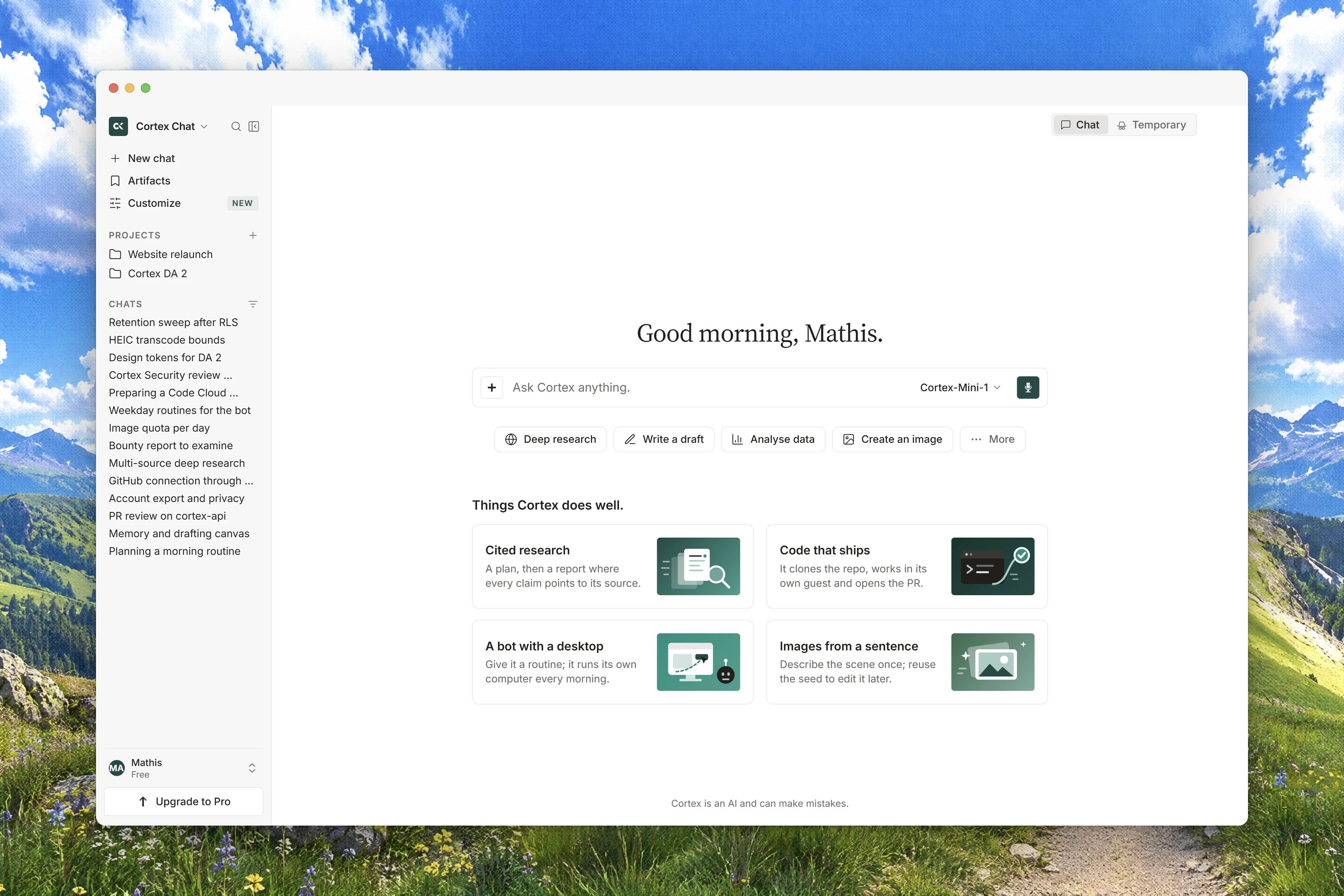
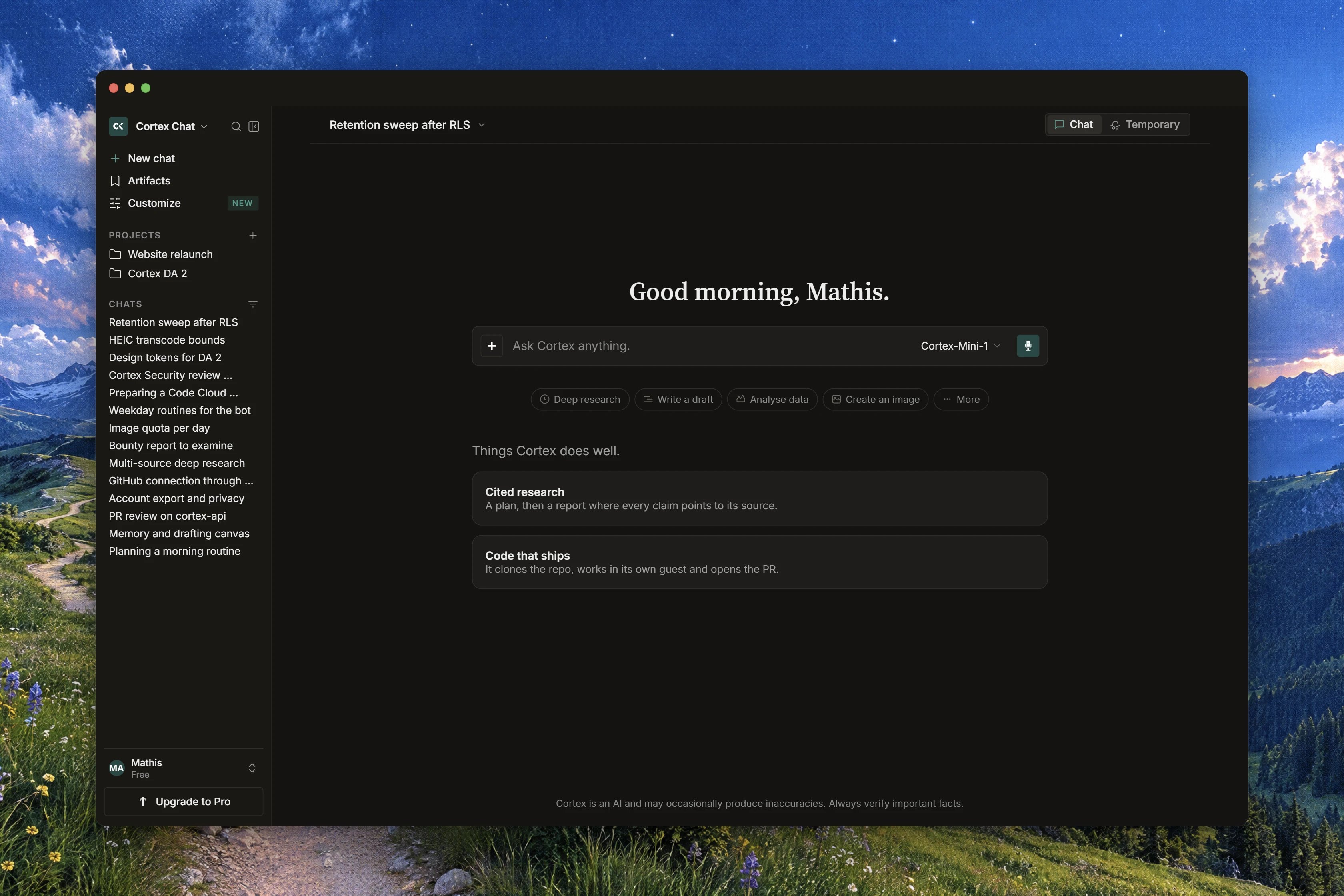
The home page greets you with **Good morning**, **Good afternoon** or **Good evening**, and shows a short list of starting points under the heading **Things Cortex does well.**
| Starting point | What it says | What it does |
| -------------- | ------------------------------------------------- | ---------------------------------------------------------------- |
| **Code** | *The Cortex agent working inside your repos.* | Points at [Cortex Code](/code) |
| **Research** | *Cited answers from live sources.* | Prefills the composer with a research request |
| **Science** | *Cited literature with provenance on the answer.* | Prefills a literature request that keeps citations on the answer |
| **Docs** | *Drafts that structure themselves.* | Prefills a document request |
| **Agents** | *Background runs on schedules.* | Points at [Cortex Bot](/bot) |
Three example prompts sit below them: **Plan a 5-day trip to Tokyo**, **Summarize this quarterly report** and **Draft a launch announcement**. Under the composer, on every page, Chat repeats the line **Cortex is an AI and can make mistakes.**
The composer itself is one text box labelled **Ask anything, or pick an app below…**, with **Attach a file**, **Deep Research**, **Science**, the model chip, and **Send message**. While an answer is being written the box reads **Cortex is responding…** and the send button becomes **Stop responding**.
The sidebar has three sections: **WORKSPACE**, **PINNED** (drawn only once you have pinned something) and **RECENTS**. Sending your first message turns the home page into a conversation in place, so nothing reloads and nothing flickers.
Chat offers two models today, **Cortex 1 Mini** and **Cortex Teutonic-1**, and both are marked **PREVIEW** in the picker. Neither depends on your plan. See [Models and thinking](/chat/models).
## Start here
From an open tab to a useful first conversation, in a few minutes.
What happens inside one turn: tools, citations, compaction, and the limits.
## Conversations
Start, edit, branch, pin, archive, delete and search your threads.
The model chip, what Preview means, and the three thinking levels.
What you can attach, the size ceiling, and where uploads land.
Why an answer arrives in pieces, and what a dropped connection does.
Dictate a message, and hear an answer read back, where both are available.
A document beside the conversation that you and Cortex can both edit.
Turn an answer into a deck, and download a table as a spreadsheet file.
## Organize your work
Standing instructions, knowledge and chats kept together.
Everything you uploaded and everything Cortex produced.
Share a Library file, connect a drive, and attach items from it.
What Cortex remembers between chats, and how to review or delete it.
Task lists that outlive the conversation they came from.
Runs that happen on a schedule instead of while you wait.
## Research and creation
The tools a turn can call, and what their rows in the transcript mean.
Planned questions, live sources, and a cited report.
Ask for a picture, and see where it lands.
Attach media and ask whether it is authentic.
Ask metric questions and keep a dashboard on the thread.
Bundled and user-written skills, and how a turn loads one.
## Connected apps
Connect an app and choose which products may use it.
Add a remote server and use its tools inside a turn.
Tools a web page offers, and the consent card in front of them.
## Reference
Chat is per account. What that means, and what you can share today.
The messages Chat shows when something goes wrong, and what to do.
## How it fits with the other products
Chat is a conversation. It has no workspace, no repository and no computer of its own, so three jobs belong elsewhere.
| Stay in Chat | Open Cortex Code | Open Cortex Bot |
| ---------------------------------------------- | ---------------------------------------------- | ------------------------------------------------- |
| Questions, writing, research, documents, plans | A repository, a branch, a diff, a pull request | A teammate with a computer and runs on a schedule |
Two connections are worth knowing. A note you save out of an answer lands in Library and is **Saved in Chat Artifacts. Available from Chat, Code and Bot.** And a Chat canvas is a plain text document attached to one conversation, which is not the same thing as a [Design canvas](/design/canvases).
If you are not sure which product you want, read [Which product do I need?](/getting-started/choose-a-product).
## Related
* [Chat quickstart](/chat/quickstart) - send a first message and get a real answer.
* [Conversations](/chat/conversations) - manage the threads you accumulate.
* [How Chat works](/chat/how-it-works) - the turn, its tools and its limits.
* [Plans and quotas](/getting-started/plans) - what your allowance covers.
* [Chat troubleshooting](/chat/troubleshooting) - when a turn, a file or a model misbehaves.