> ## Documentation Index
> Fetch the complete documentation index at: https://docs.cortex.foundation/llms.txt
> Use this file to discover all available pages before exploring further.
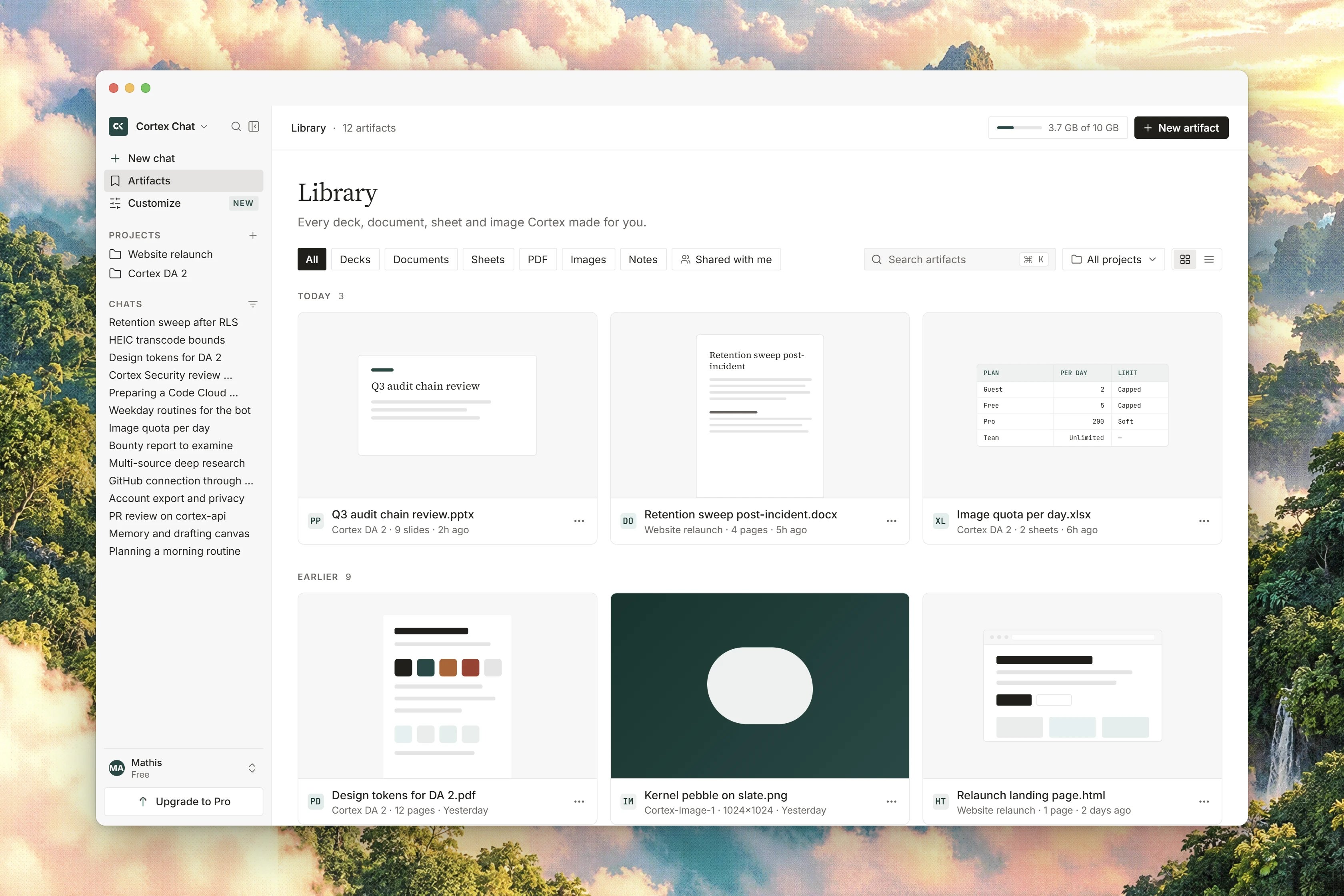
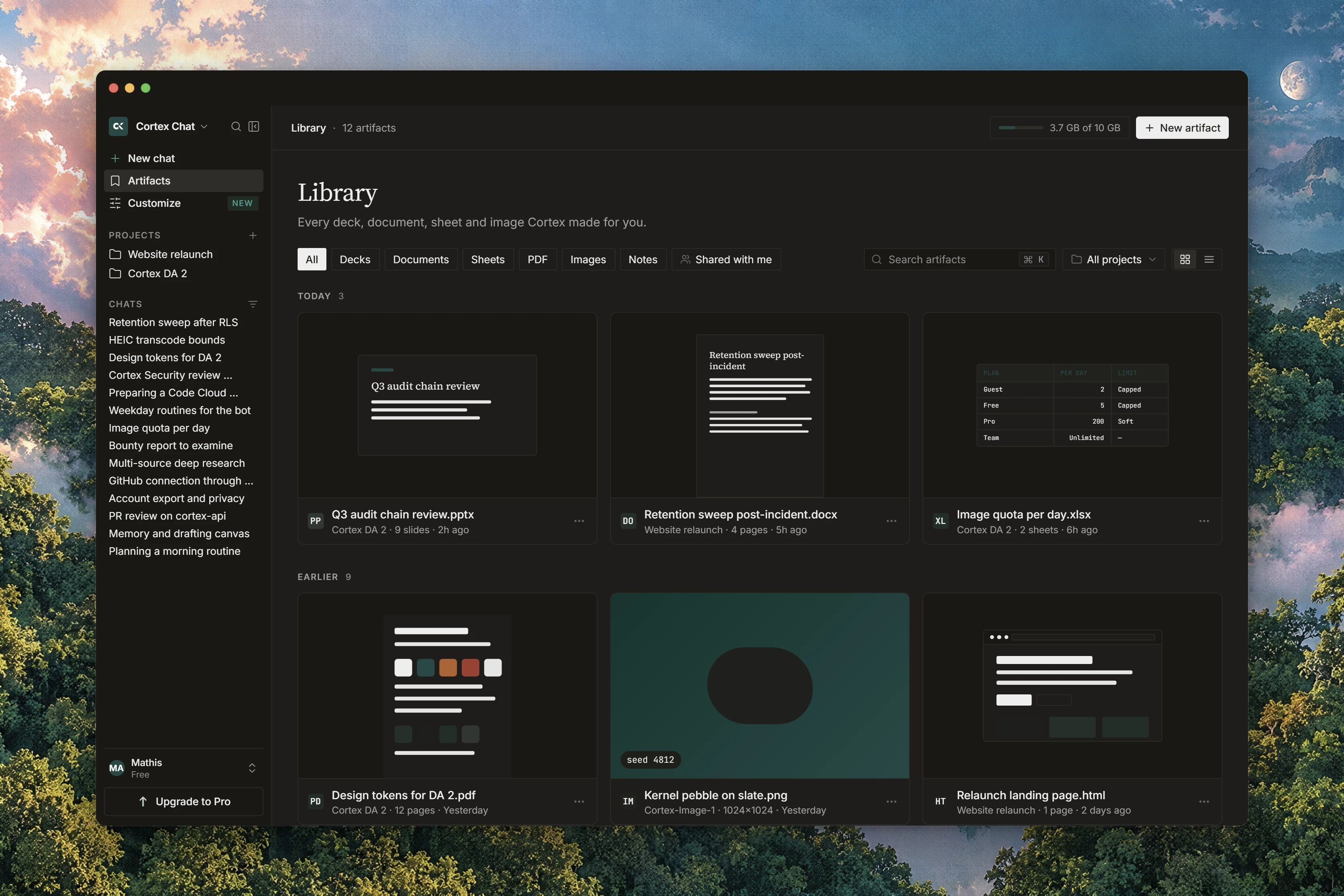
# Library
> Every file your account holds: what you uploaded, what Chat produced, and what you attached from a connected drive.
**Library** is the file store on your Cortex account. Its own lead says what it collects: files you uploaded, generated, or attached from a connected drive. Sharing never moves ownership. Deleting a chat does not delete the files that passed through it; they stay in Library until you remove them there.
This page covers how files arrive, how to find one, what the row actions do, how versions and **Restore** work, how pinning and the storage allowance behave, and how a file gets back into a chat. Sharing a file and connecting a drive have their own page, [Sharing files and connected drives](/chat/library-sharing).
## How files arrive
| Source | Badge | What it is |
| ------------------- | ------------------- | ----------------------------------------------------------------------------------------------------------------------- |
| An upload | **Uploaded** | The **Upload** button in Library, or an attachment on a chat turn. |
| Something Chat made | **Generated** | An image from Cortex-Image-1, a document or deck export, an exported research report, or files a sandbox run wrote out. |
| A project source | **Project** | A file added to a project so its chats can read it. |
| A drive item | **Connected drive** | An item attached from a drive you connected, without a second upload. |
Notes are the fifth route in. Select text in an answer and Chat offers **Start writing** and **Save to Library**; a saved note is filed as a **Document**. Saving a note does not spend your per-upload allowance, and a guest may save one. A selection that crosses a code fence is ignored.
Files a sandbox run writes are collected when the run finishes, at most 10 files and 10 MiB in total, and only the files directly in its output folder. While it works, the thread says **Collecting files from /outputs**, and the result is confirmed with **saved to Library**. If a run produced nothing to keep, the thread says so rather than leaving a gap.
Generated formats are filed by what they are. Generated HTML is filed as **HTML**, a generated CSV or TSV as **Sheet**, and an SVG or a `.js` file stays an **Upload**.
## Find a file
* **Search files** matches by name; the other search box matches by name or conversation, so you can find a file by the chat it came from.
* The **Scope** pills switch between **Your files** and **Shared with me**. A file someone shared with you carries a **Shared by** line, and ownership stays with them.
* The **Type** filter narrows to **All**, **Images**, **PDFs**, **Code** or **Other**, and to artifact kinds including **Reports**, **Decks**, **Documents**, **Sheets** and **Research**.
* Each row also carries a kind badge: **Upload**, **Image**, **Deck**, **Document**, **Sheet**, **PDF**, **HTML** or **Report**.
If nothing matches, Library says **No files match** and suggests a different filter or search. Under **Reports**, an empty list explains where reports come from: exported Deep Research markdown lands here. See [Deep Research](/chat/deep-research) and [Document export](/chat/document-export).
## Work with a file
Row actions are **Open**, **Download**, **Rename**, **Delete** and **Share**. **Open** uses the preview dialog. Not everything previews in a browser: when it cannot, the dialog says the file is not shown inline and tells you to download it and open it in an application you trust. For a drive item, the dialog offers to open it on the drive it came from instead.
## Versions and Restore
Every Library file has a version history. Saving it creates version 1.
From the file's actions, open **Versions**. The rail lists each **Version**, with the newest marked **Latest** and the live one marked as current.
Choose **Restore** on that version.
Library confirms with **Version restored** and tells you which version is now the latest.
Restoring never overwrites and never loses anything: the older contents are copied onto the live file and appended as a new latest version. Two restores at once are serialised, so the history stays consistent. A version whose underlying bytes have already been collected can no longer be restored, and Library says so rather than failing silently.
## Pinned work
Pinning is shared between conversations and projects, with room for 20 pinned items across the account. A pinned item leaves **Recents** and appears in the pinned section instead. Once you have pinned anything, the pinned section stays visible even after you later empty it.
## Storage
The **STORAGE** meter counts every file on the account against your plan's allowance. It stays muted below 80 per cent of the allowance, turns to a warning at 80 per cent, and refuses new files once it is full.
| Meter state | What you see | What it means |
| ----------- | ----------------------------------------------------------------- | -------------------------------------------------------------- |
| Empty | No Library storage used yet. | Nothing stored. |
| Normal | A muted bar, used of limit | Below 80 per cent. |
| Warning | Your Library is almost full. New files stop at this plan's limit. | 80 per cent or more. |
| Full | Your Library is full on this plan. Delete files to make space. | New files are refused. **Manage files** takes you to the list. |
| Error | Storage usage could not be loaded. Files stay where they are. | The read failed. Nothing was deleted; use **Retry**. |
| Unavailable | Library storage is unavailable on this plan. | This plan carries no allowance, so no bar is drawn. |
The allowance itself depends on your plan. The meter prints its own limits line, `Guest 200 MB · Free 500 MB · Pro 20 GB. Deleting a file frees its storage.`, which names three plans rather than all five and whose labels do not line up with the plan names on the plan list: the 20 GB it shows against Pro is the **Plus** allowance, and the Pro plan carries no storage ceiling at all. [Plans](/getting-started/plans) carries the value for every plan. When a generated file cannot be kept because the allowance is full, Chat says **Storage limit reached** and tells you the file was not saved.
A single upload is capped at **10 MB max** in the web product, whatever your plan's wider allowance is. A larger file is refused before it is stored; see [payload\_too\_large](/problems/payload_too_large). Generated images and saved notes do not spend the per-upload allowance.
## Use a Library file in a chat
In the composer, type `@` or choose **From your Library** in the attach menu to pick a file you already have. The picker searches your files and files shared with you, and they attach without a second upload. **Choose from Library** is the full picker; it tells you plainly that guests have no Library picker.
Chat can also look a file up for you. It searches your own Library by name, newest first, and if a name does not resolve it names up to five candidates back to you rather than guessing. What it reads is handled as untrusted material, exactly like a project source.
Library needs a signed-in account. A guest is told to sign in to upload, save notes, download or delete files, and cannot share a Library file at all. See [Accounts](/getting-started/accounts).
## Related
* [Sharing files and connected drives](/chat/library-sharing) - grants, copy link, and drives
* [Projects](/chat/projects) - files added as project sources
* [Attachments](/chat/attachments) - putting a file on a single turn
* [Image generation](/chat/image-generation) - where generated pictures land
* [Design library](/design/library) - a different object: components, pages and tokens
* [Limits](/reference/limits) - allowances by plan