> ## Documentation Index
> Fetch the complete documentation index at: https://docs.cortex.foundation/llms.txt
> Use this file to discover all available pages before exploring further.
# Cortex Code
> Cortex Code is a coding agent that works in one repository inside an isolated Cloud guest, with a timeline you watch and changes you approve.
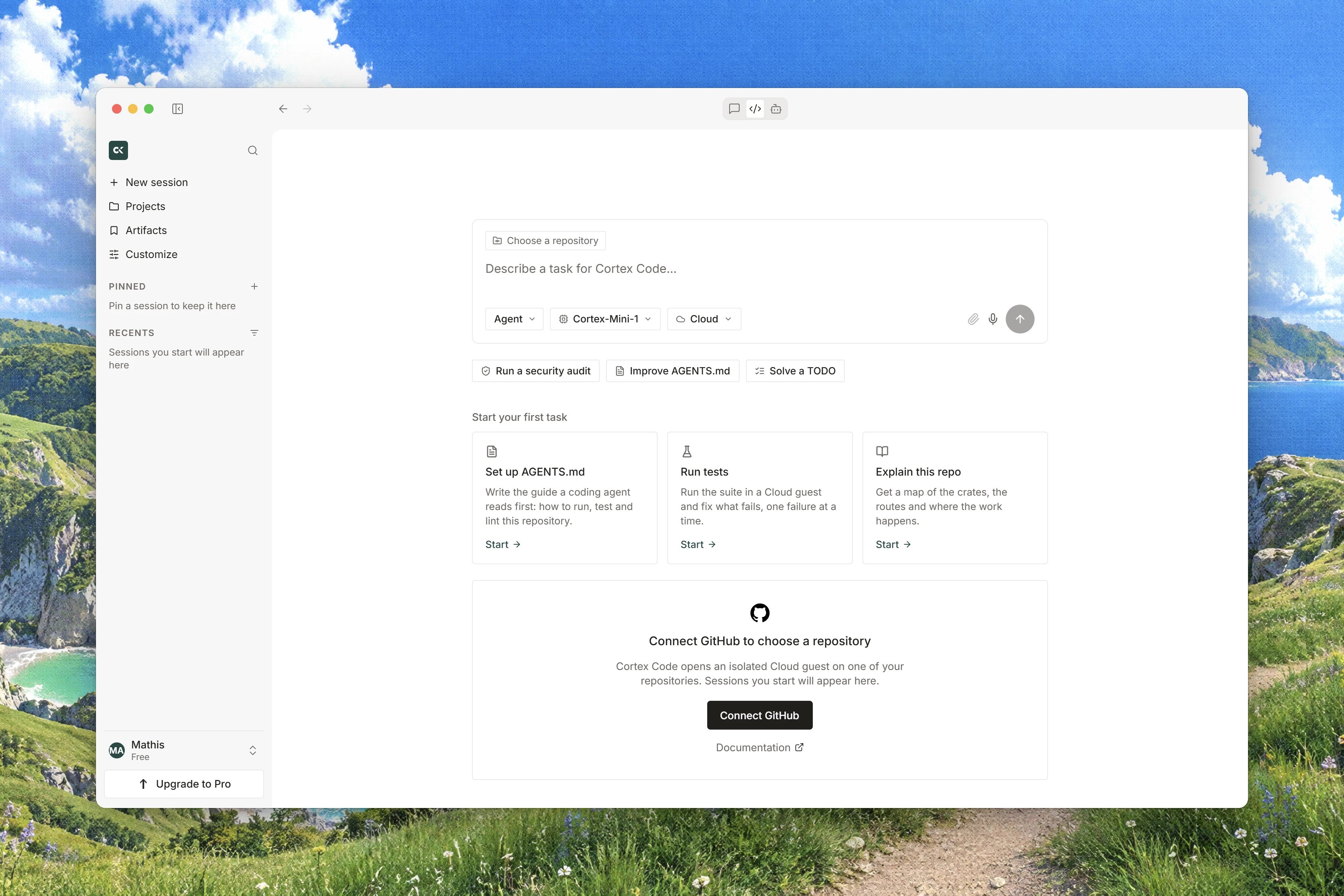
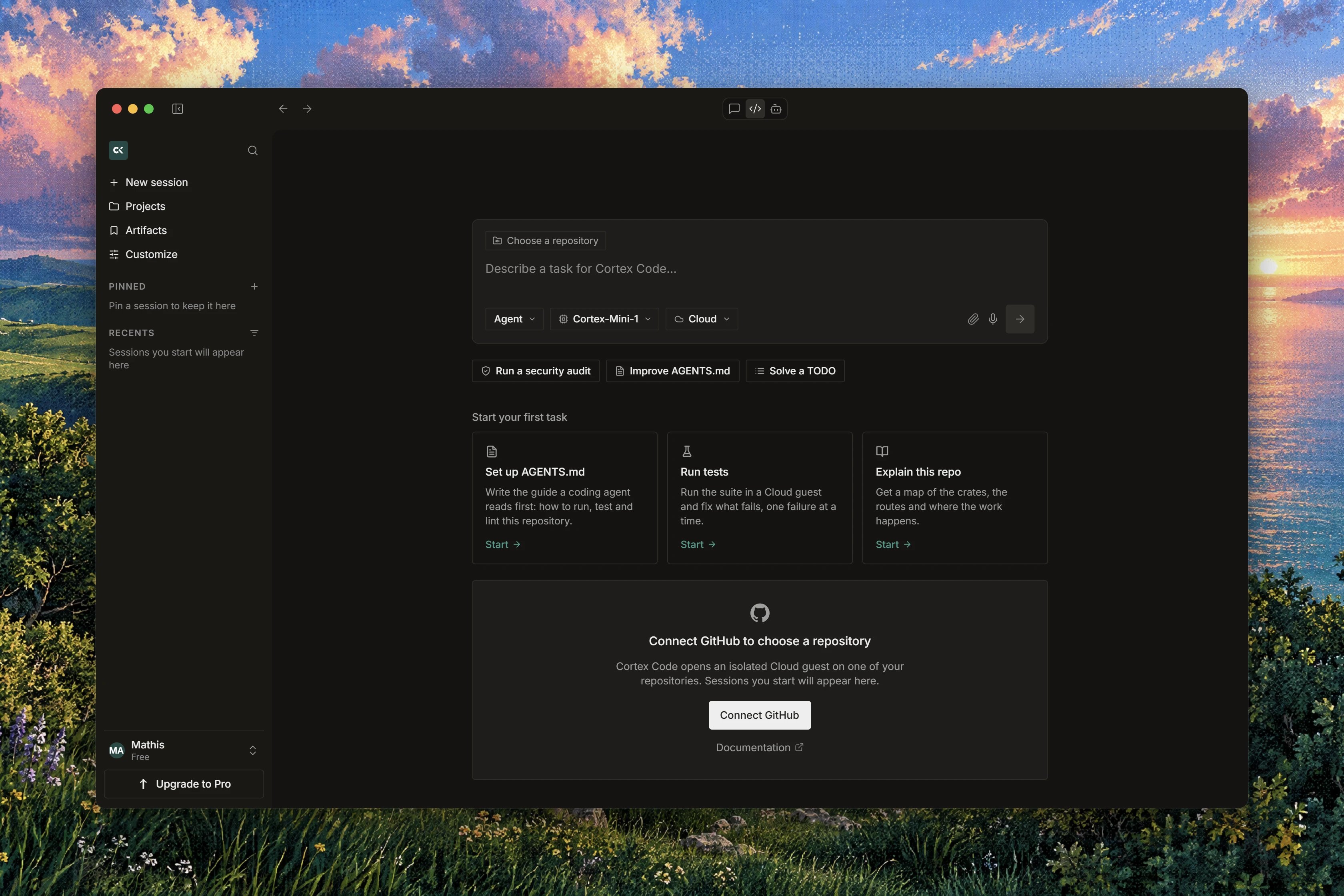
Cortex Code is a coding agent, not a chat with a different icon. You point it at one repository, describe the change in plain language, and it works through the task inside an isolated runtime: reading files, editing them, running your build and your tests, while a timeline records what it did. You decide how much a turn may do on its own, and no file lands in the tree until a human approves it.
Code is a mode of your Cortex account rather than a separate product. It runs in your browser, in the Cortex desktop app and in the Cortex CLI. This page says what Code is and is not, links every page in this tab, and marks the line where Code stops and Cortex Security or the CLI begins.
## What Code is
| Commitment | What it means for you |
| -------------------------------------- | --------------------------------------------------------------------------------------- |
| **One repository per runtime** | A session works one repository at a time. A second repository is a second session. |
| **Reviews stay failed when they fail** | A failing check is not softened into a warning later. |
| **No pasted diff** | A change arrives as a branch and a pull request, never as a patch to copy out of a box. |
| **The same account as Chat** | One Cortex account across Chat, Code and the CLI. |
## Who can open it
Code is a member surface. A guest who visits the Code area sees the public product page, and a guest on a deep link sees **This space is reserved**, with **Continue in Chat** or **Sign in**.
Once you are signed in, Code Home is the composer itself. Its heading reads **What should Cortex build?** and its prompt box reads **Ask Cortex to build, fix, explore.** A guest can type there, but pressing **Start session** opens the sign-in dialog. That is an invitation, not an error.
## Start here
Sign in, connect GitHub, run a first Cloud session and approve the change it proposes.
The turn loop in user terms: where tools run, what each mode withholds, how a turn ends.
## Work in a session
The session object, the board, the transcript, follow-ups and what survives a turn.
The three interaction modes, what each may reach, and switching per turn.
Allow once, Always allow and Deny for commands, plus the separate gate on file writes.
The Changes pane, a proposed diff before a write and a landed diff after it.
Tickets as a unit of asynchronous work, and why they have no screen in the app yet.
## Where code runs
The isolated Cloud guest a session attaches, how it is prepared, and what happens without capacity.
Running machines and saved images, so the next session on a repository skips the install.
Cloud occupancy and team runners, and why desktop hosts are not offered in the browser.
Register a remote host in the desktop app, then select it for a session from there or from the CLI.
This PC and SSH exist in the desktop app and the CLI. The browser stays on Cloud.
## Repositories
One control, no tokens to paste, and what to do when a connection lapses.
Pick the repository and the base branch, and work in the session's own isolated worktree.
## Automate and monitor
Saved instructions with a trigger, a repository and a prompt, and what a run does today.
The inbox that tells you when a session finished or needs a decision.
Recorded cost and billable actions over a 7, 30 or 90 day window.
## Configure
Default model and fallback models, and the settings that are not configurable yet.
Connected apps, repositories and tool servers for the workspace.
## Reference
The same sessions from a terminal, and how CLI words map onto Code words.
Where Cortex Security sits under Code, and which tab documents it.
Gates that will not open, a runtime that is unavailable, and modes that will not edit.
## Where a session runs
| Surface | Runtimes offered |
| ----------- | -------------------------------------------------------------------- |
| Browser | **Cloud**, plus a registered team runner when the deployment has one |
| Desktop app | Cloud, **This PC**, **SSH** |
| Cortex CLI | Cloud by default; This PC and SSH by opt-in |
Everything a turn does happens inside the runtime it attached. Nothing runs in your browser.
## Modes in one line
**Ask** answers questions and reads files. **Plan** writes a reviewable plan. **Agent** edits files, runs commands and opens a pull request. The choice is a lock on the tools the turn is built with, so a change applies to the next turn, not to the turn already running. The composer's fourth row, **Security**, is not a fourth mode: it leaves for Cortex Security. See [Ask, Plan, Agent](/code/interactions).
## Two gates, and they are not the same
A command that needs a decision raises a card above the transcript with **Allow once**, **Always allow** and **Deny**. A file write never uses that card: it waits in the **Changes** pane for a human **Approve**, per file or as **Approve all**, and a session-level **Always allow** never covers a write.
There is no undo, no checkpoint and no revert anywhere in Code. The moment to refuse a change is while it is still pending in **Changes**, with **Reject**. See [Permissions and approvals](/code/approvals).
## What Code is not
* Not a hosted development environment. There is no screen in a Code runtime.
* Not a place to store secrets. Code has no Secrets page and never asks you to paste a token.
* Not a continuous integration system. It runs your commands in a session, on request.
* Not a chat about your code. It edits the repository and opens pull requests.
## Not available yet
* **Tickets** have no screen in the app; they are an API level concept today.
* A session's **Desktop** tab is drawn with the badge **Soon**.
* Automations are saved instructions only: **Schedules and events do not execute yet.**
* A Code session has no tool servers, connectors or plugins of its own, so do not plan work around attaching one to a session. See [Code integrations](/code/integrations).
## How it fits with the other products
* **Cortex Chat** shares the account and the sidebar. Chat talks about your code; Code changes it. See [Cortex Chat](/chat/index).
* **The Cortex CLI** drives the same sessions from a terminal, and a session it started is marked **· Started from CLI** on the board. See [Code in the terminal](/code/cli) and [Cortex CLI](/cli/index).
* **Cortex Security** reads a pull request and posts a review; it lives under Code in the app and is documented in its own tab. See [Pull-request review](/code/security) and [Cortex Security](/security/index).
## Related
* [Code quickstart](/code/quickstart) for a first session end to end.
* [How Code works](/code/how-it-works) for cause and effect in a turn.
* [Code sessions](/code/sessions) for the board and the transcript.
* [Permissions and approvals](/code/approvals) for the two gates in full.
* [Code troubleshooting](/code/troubleshooting) when something will not start.