

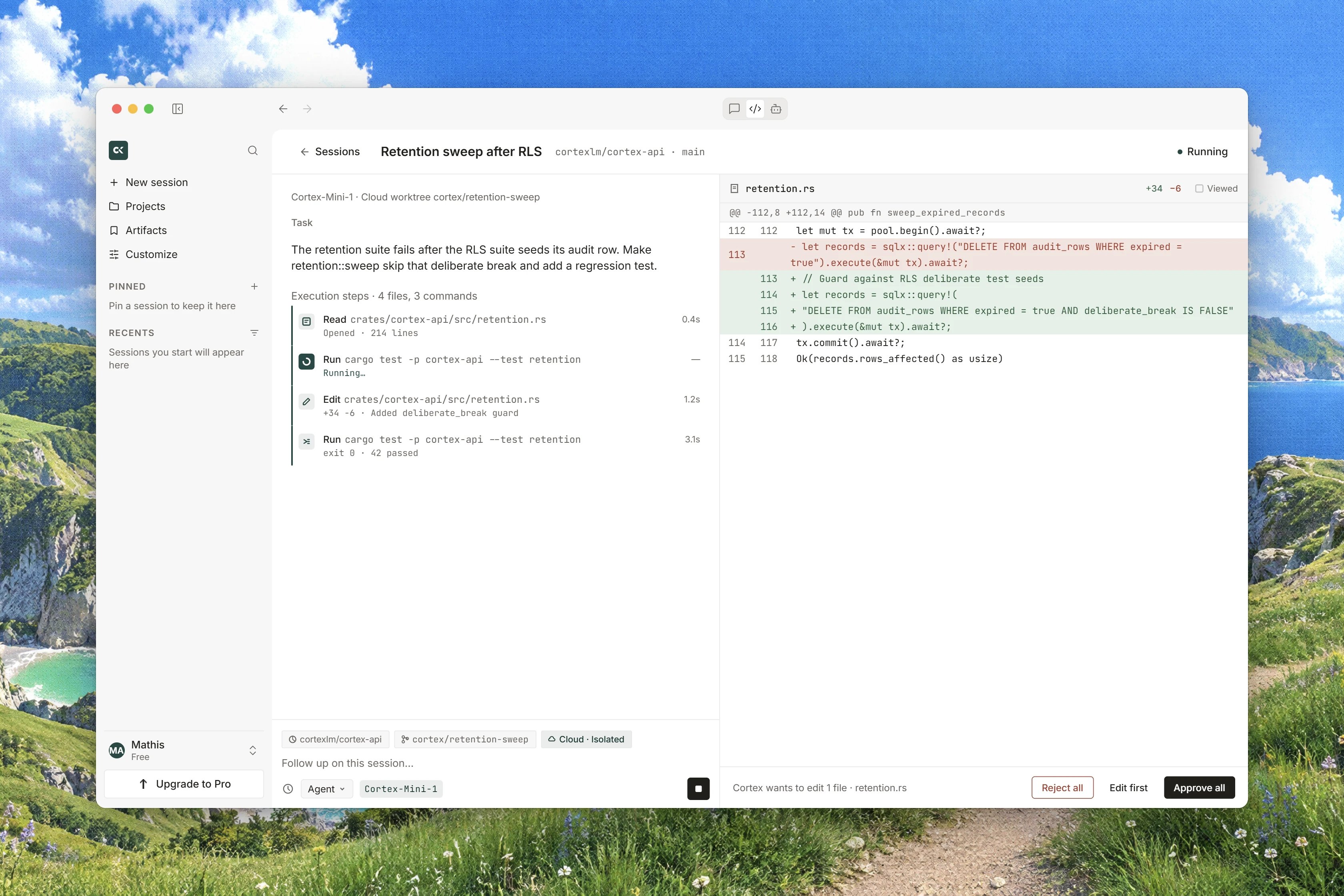
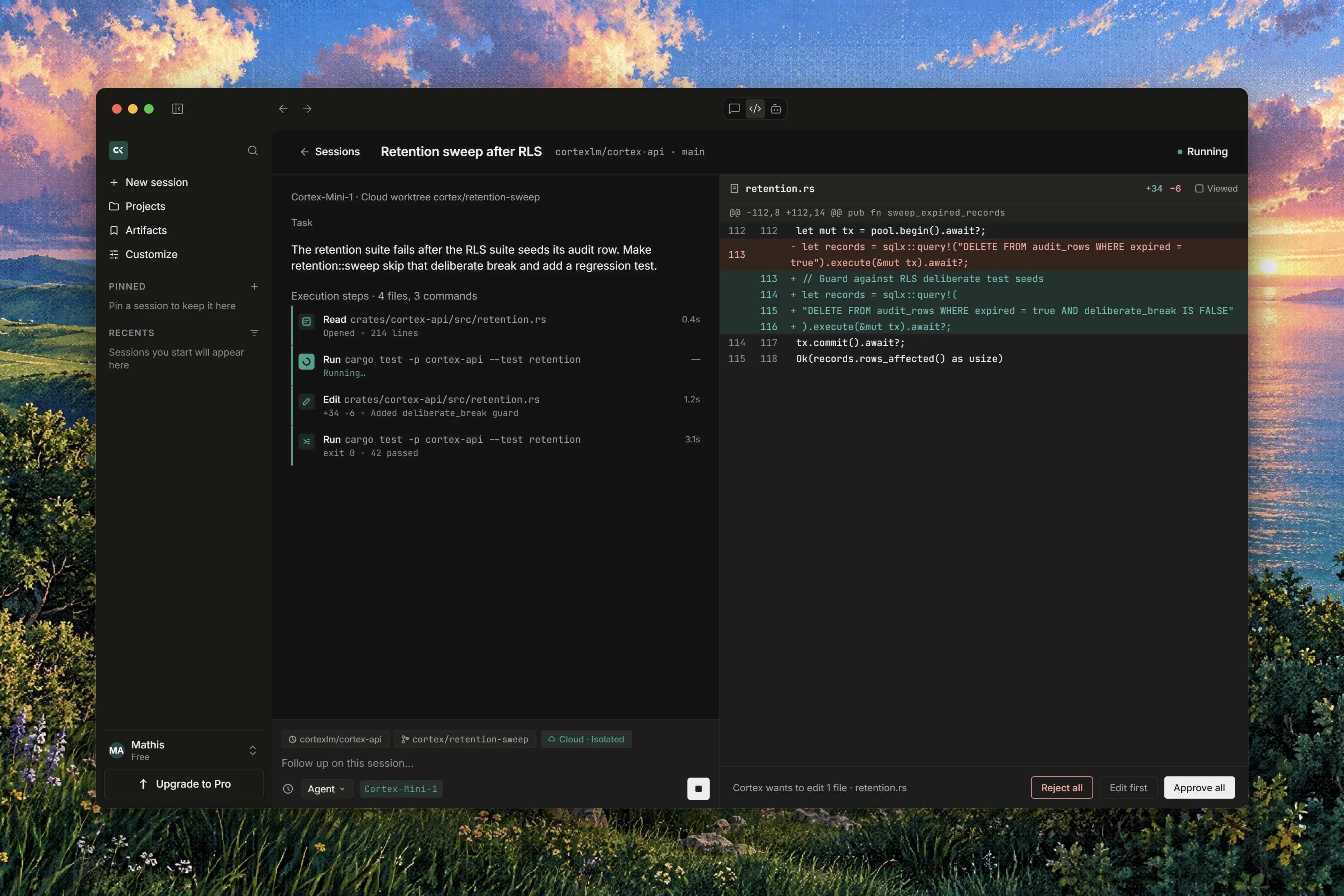
Interface preview
The Changes tab
The output pane on the right of a session carries the tabs Changes, Diff, Git, Terminal and, when there is one, Plan. Changes opens on the files this turn has touched, with a header count that reads 1 file changed or 3 files changed as the turn goes on. While the pane is reading the runtime it says Loading changes… Each file carries one of four states:
Controls in the pane:
- Approve on a single file, labelled Approve this file for screen readers, and Reject, labelled Reject this file.
- Approve all and Reject for the whole batch.
- Follow, which becomes Following, pins the pane to whichever file is being written so you do not have to chase a long turn.
Approve or reject a write
1
Open Changes and read the pending file
A Pending file is a proposal. Read the diff in front of you before you answer.
2
Approve what you have read
Press Approve on the file, or Approve all when you have read the batch and want it applied together.
3
Reject what you do not want, and say why
Press Reject to refuse the write. Where the surface offers the note, write your reason under Why reject this write: the agent reads it and can propose something else on the next turn.
A proposed diff and a landed diff are not the same
The same pane shows you two different things at two different moments, and it is worth knowing which one you are looking at.
A Pending row with a diff is a proposal about the future. A Written row is history. If you find yourself wanting to change your mind, check which of the two you are reading: only the first can still be refused.
The Diff tab reads the runtime live
The Diff tab is not a stored snapshot. It reads the working tree of the runtime the session attached, right now, which is why its caption reads Live from the Cloud guest. If the tree cannot be read, the tab reports The changes could not be read from the runtime. Every Cloud session works in its own isolated worktree, shown on the worktree strip as Isolated · Cloud guest with the hint Each Cloud session uses its own isolated worktree. Chat and the CLI are not this page. New worktree starts a fresh one, and reads Opening… while it does. See Repositories and branches.Comment on a line
Any line of a diff can start an inline comment. The box reads Write a follow-up about this line…, with Cancel and Send as follow-up.An inline comment is sent as a normal follow-up turn, not stored as a code annotation. It is the fastest way to say “this line is wrong, and here is why” without retyping the file name, but it starts a turn like any other follow-up.
From a change to a pull request
The Git tab carries the branch and the pull request. It reads No branch yet until a Cortex branch has been created, then either No pull request or Open pull request once there is one. Cortex pushes only to its own branches, so an agent cannot push over your default branch. That is the shape of the whole product: changes arrive as a branch and a pull request, never as a patch to copy out of a box.In Ask and Plan there is nothing here
In Ask or Plan mode the pane says so instead of looking broken:Ask and Plan do not change files, so there is nothing to review here.Those two modes are built without the write and edit tools at all, so no pending file can exist. See Ask, Plan, Agent.
Related
- Permissions and approvals for the command gate, and why it never covers a write.
- Ask, Plan, Agent for withholding the write tools for a whole turn.
- Code sessions for the transcript beside this pane.
- Repositories and branches for the worktree and the base branch.
- Code troubleshooting when a diff will not load from the runtime.