

Open the shortcut sheet
Press⌘ / on a Mac, or Ctrl / on Windows and Linux, to open and close the sheet from anywhere
in the app. The sheet groups its rows under Navigation, Conversation, Composer and
Mode-specific, in that order, and it hides a group that has no rows. That is why you never see
a Composer group: no composer chord is bound, so the heading is not drawn.
The sheet also filters itself by the mode you are in. The ⌘ / row is there in every mode; Cortex
Chat adds its search and stop-response rows, Cortex Code adds the command palette, and in Cortex Bot
only the ⌘ / row is shown.
Every chord the web app binds
Modifiers render for your platform: the command key shows as⌘ on a Mac and Ctrl everywhere
else, and shift shows as ⇧ on a Mac and Shift everywhere else.
The same chord can mean two things in two products:
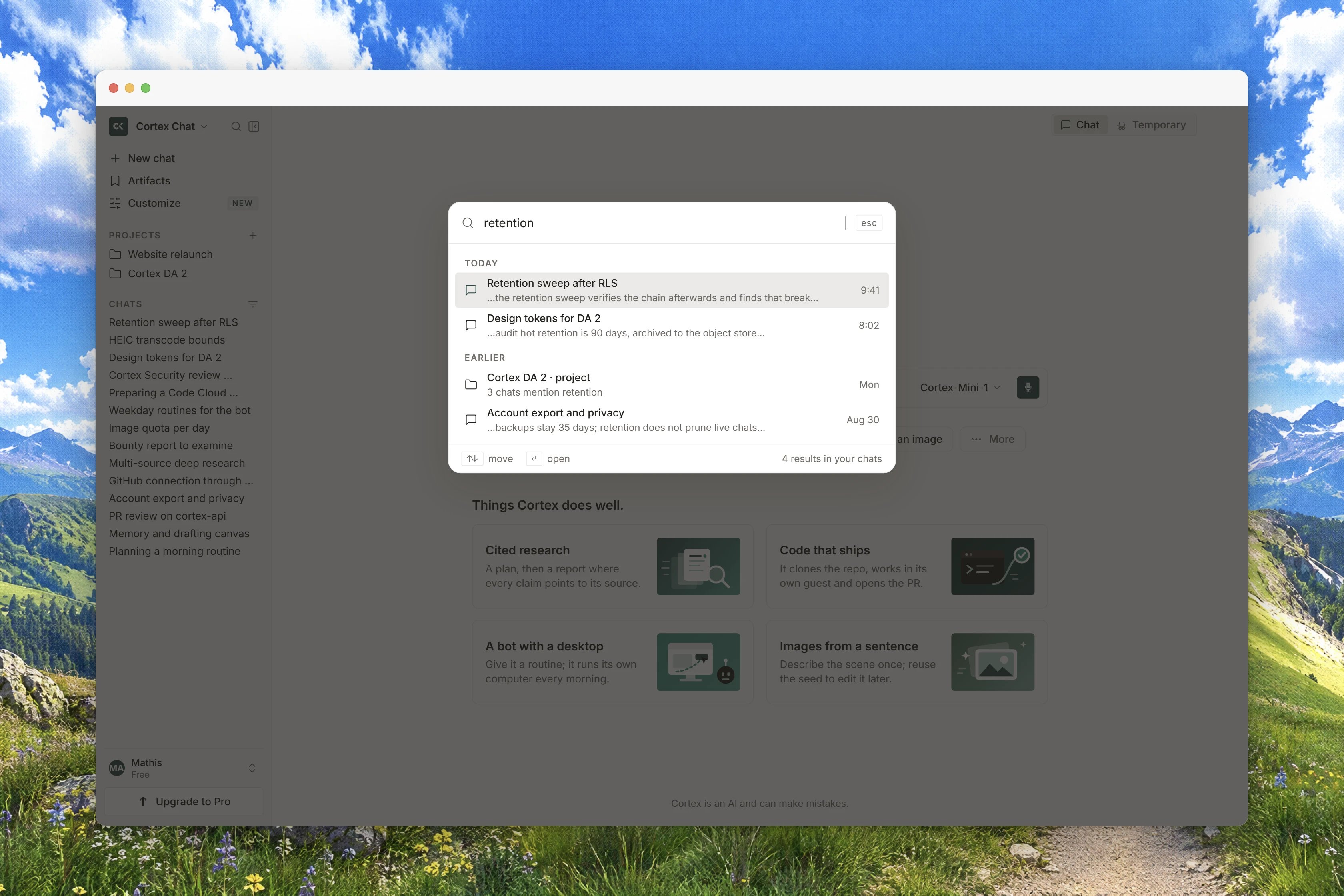
⌘ K opens Search in Chat and the command
palette in Code. The short list inside Settings labels ⌘ K as New chat; what the chord
actually opens is Search in Chat and the palette in Code, so treat it as a jump-anywhere key rather
than a create key.
Interface preview
Neither list in the product is complete. The shortcut sheet carries four rows and leaves out
⌘ \, which Settings advertises and the app binds. The table above is the union of both, so it
is longer than what either surface shows you.Composer keys
Sending and editing a message are behaviours of the composer rather than entries in the shortcut sheet, and they work the same way everywhere you type to Cortex.Nothing fires while you are typing
Every chord declines while the text caret is inside an input, a text area, a select or any editable region. Typing a/ in a message never opens the shortcut sheet, and typing a \ never collapses
the sidebar.
Two more keys behave as you would expect: Esc closes the mobile navigation drawer, and Enter or
Esc closes the sign-in confirmation dialog rather than waiting for it to close on its own. Hiding
the sidebar is a layout change only, so your conversation list and its scroll position are still
there when you bring it back.
Chords that were removed, and surfaces with none
Cortex would rather show you a shorter list than a key that does nothing.- Older documentation published Focus composer (
⇧ Esc) and Copy last answer (⌘ ⇧ C). Neither is bound today. They were taken out of the product’s own list instead of being left as dead chords. - New session and New bot exist as labels in the product but have no chord behind them. Start them from the sidebar instead.
- Cortex Bot shows only the shortcut-sheet chord. There is nothing else to learn there yet.
- Cortex Design and Cortex Security have no keyboard shortcuts of their own. Nothing is hidden; there is simply nothing to list.
Shortcuts outside the web app
Cortex desktop app
The desktop app adds the Appshots capture chord, a double tap of the command key on a Mac or a
double tap of
Alt on Windows. That chord lives on the desktop app; the web has no global
hotkey.CLI keyboard shortcuts
The terminal interface has its own keys, documented with the Cortex CLI rather than here.
Find the list inside the product
Open Settings from the sidebar footer and stay on General. The Keyboard shortcuts row, described as “Work faster without leaving the keyboard”, lists a couple of chords and carries a button that opens the full sheet. You can also press⌘ / from wherever you are and skip Settings
altogether.
Related
- Settings for the tab that holds the shortcuts row.
- Conversations for what Search and Stop response act on.
- Code sessions for the surface the command palette belongs to.
- CLI keyboard shortcuts for the terminal keys.
- Cortex desktop app for the desktop-only capture chord.